
AI Video Studio
Create Music Videos & Short Films
The all-in-one AI video creation platform. Build scene by scene with AI-generated images, transform them into video, add voiceovers, sync to audio, and export cinematic content ready for social media.


Multi-Scene Editor
Create unlimited scenes in a single project. Drag and drop to reorder instantly.
AI Image Generation
Generate stunning AI images with custom prompts, character references, and style control.
Image-to-Video
Transform your AI images into dynamic video clips with one click using cutting-edge AI models.
AI Voiceover
Generate professional voiceovers with text-to-speech and multiple voice options.
Audio Sync
Import songs, auto-transcribe lyrics, and sync visuals perfectly to the beat.
Stock Footage
Access millions of stock images and videos, or upload your own custom assets.
Character System
Define recurring characters for consistent AI generation across all your scenes.
Timing Controls
Fine-tune scene timing down to the frame. Move words between scenes for perfect sync.
AI MUSIC VIDEO MAKER
AI Video Studio
Create professional AI music videos and short films. Build scene by scene, sync to your audio, add AI voiceovers, and render cinematic content ready for social media.
Project Setup
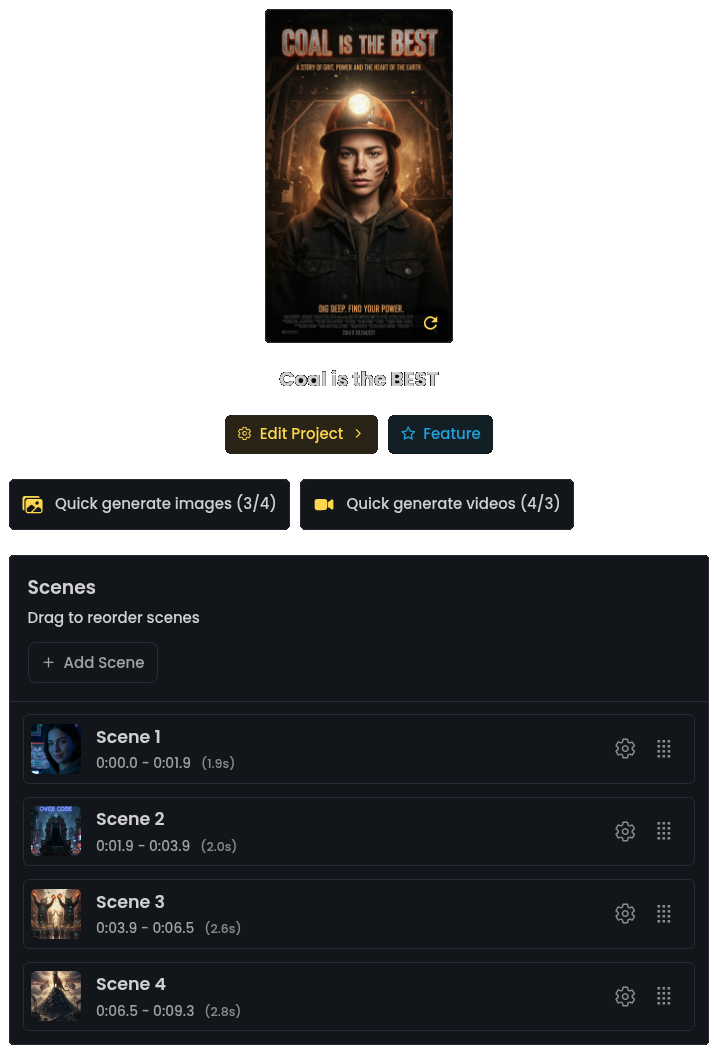
Multi-Scene Project Editor
Create scenes that will be stitched together
Use AI-generated images, videos, stock footage, or your own uploads
Define characters for consistent AI generation across scenes
Scene Creation
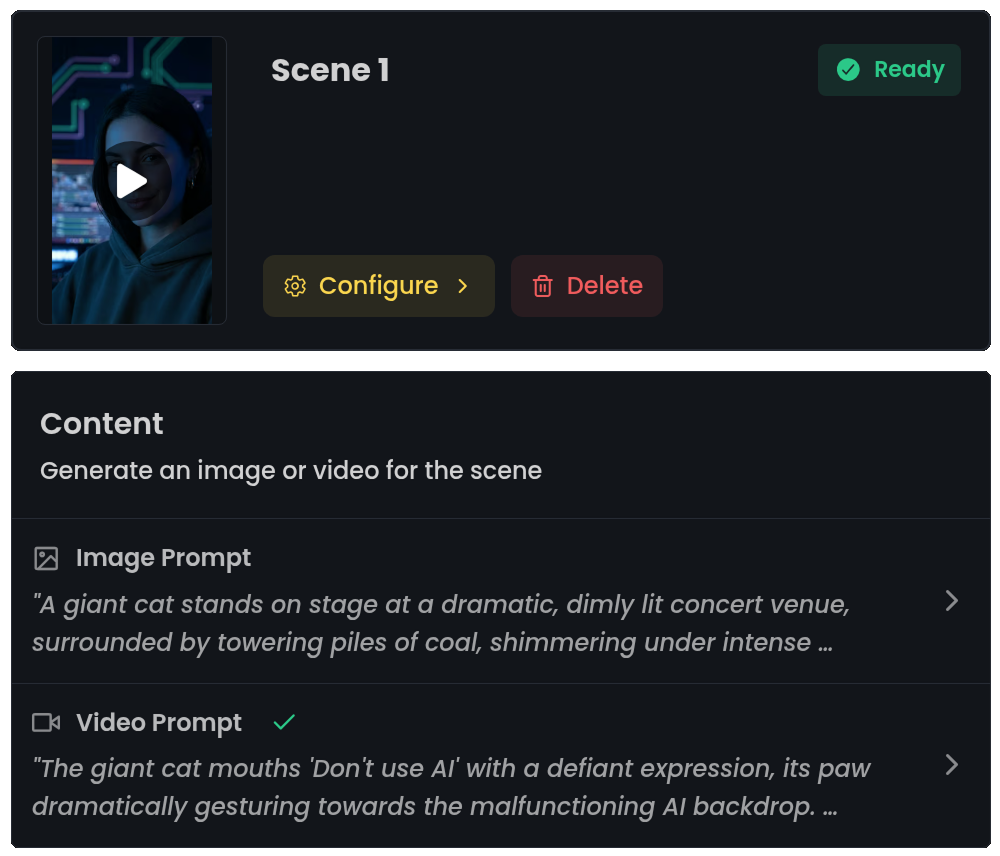
AI-Powered Image & Video
Generate AI images with prompts and character references
Transform images into dynamic video with one click
Access stock footage library or upload your own assets
AI-enhanced prompts based on your scene content
Audio & Voiceover
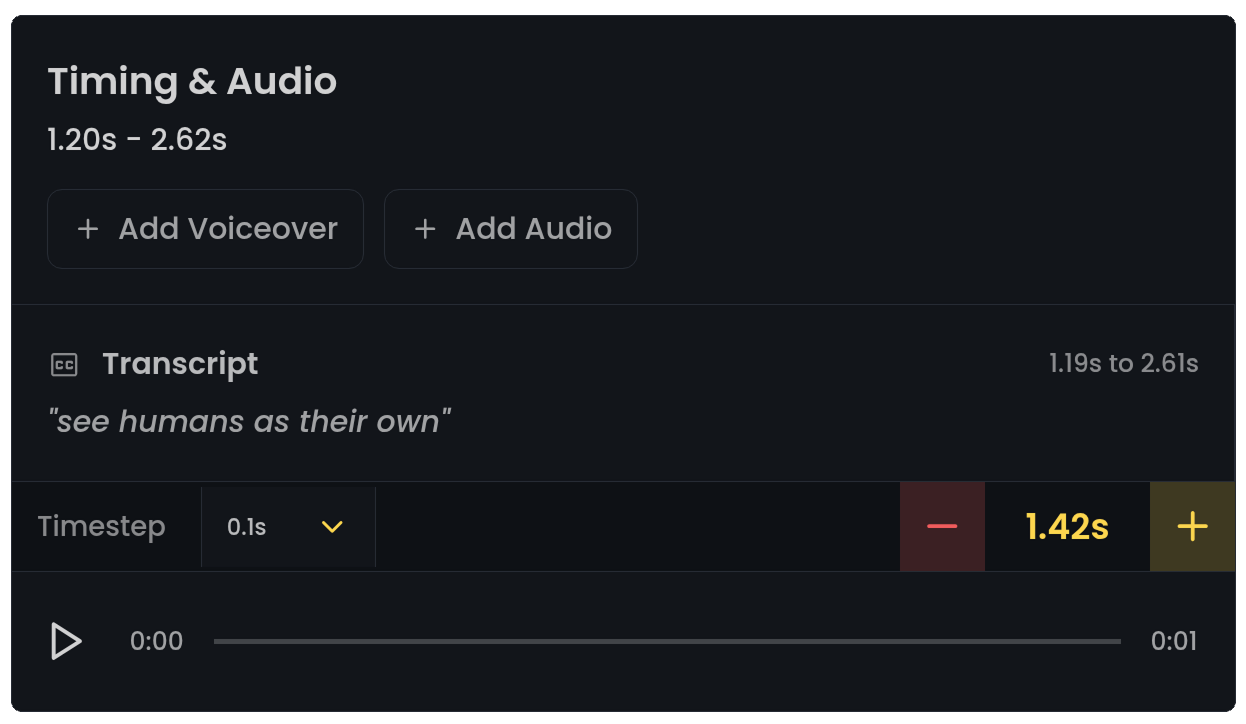
Text-to-Speech & Audio Sync
Generate AI voiceovers with multiple voice options
Add custom audio tracks per scene
Fine-tune timing and match duration to voiceover
Move words between scenes for perfect sync
Simple 5-Step Workflow
Create Project
Start a new project, set aspect ratio (portrait or landscape), and import your audio.
Build Scenes
Add scenes with AI images, videos, stock footage, or your own uploads.
Add Audio
Import music, add voiceovers, or generate AI speech for each scene.
Sync & Time
Fine-tune timing, sync to audio, and preview your entire video.
Render & Share
Export in HD, optimized for TikTok, YouTube Shorts, and Instagram Reels.
Perfect For
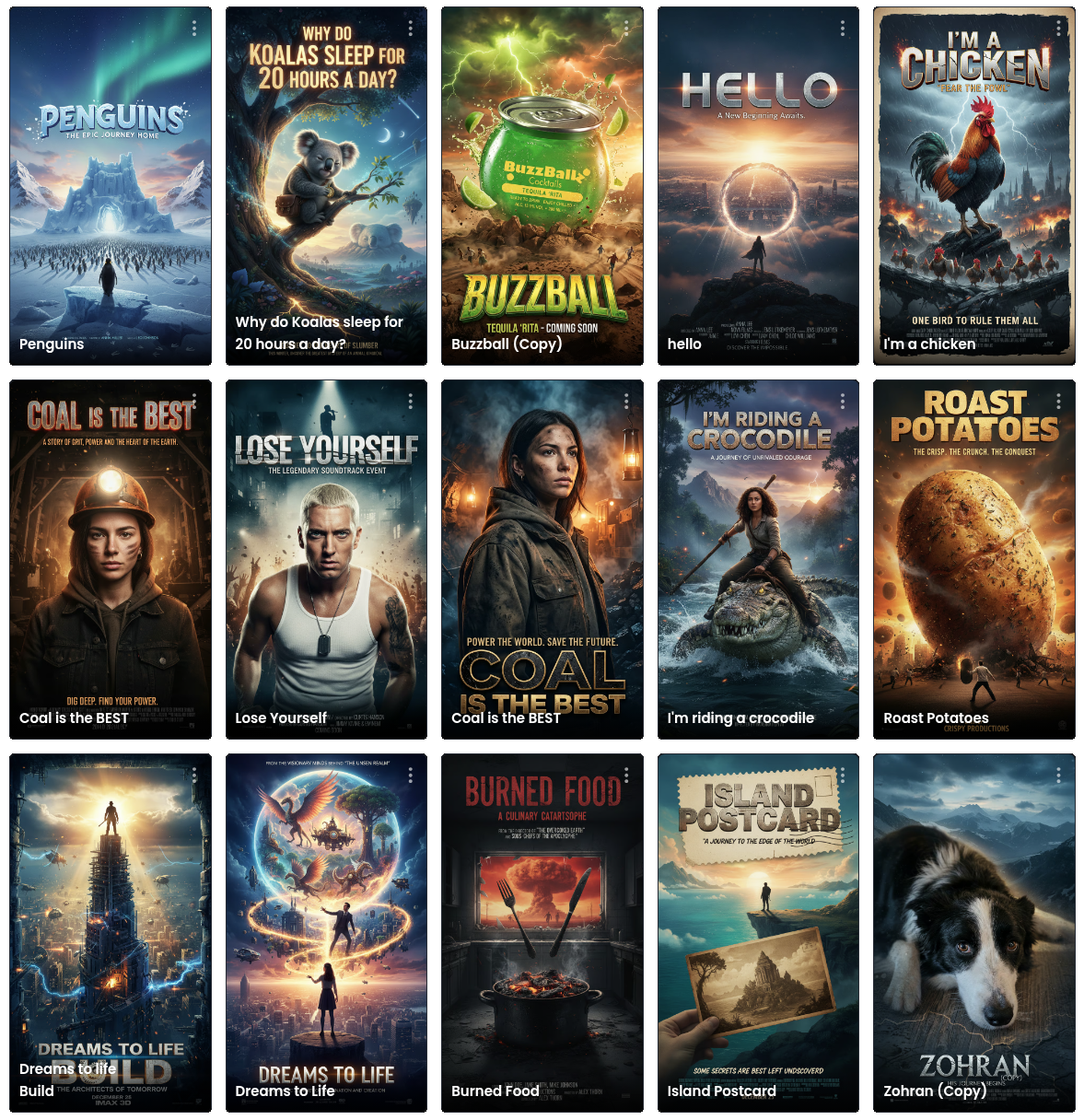
From viral TikToks to professional music videos, Studio handles it all
AI Music Videos
Create stunning music videos with AI-generated visuals synced perfectly to your tracks. No filming required.
YouTube Shorts & TikToks
Produce viral short-form content at scale. Generate scenes, add trending audio, and export in vertical format.
Explainer Videos
Build professional explainer videos with AI voiceover, custom visuals, and perfect timing.
Podcast Visualizers
Turn audio content into engaging video with AI-generated imagery synced to your voiceover.
Lyric Videos
Auto-transcribe song lyrics and generate visuals scene by scene, synced to every word.
Short Films
Tell stories with consistent characters across multiple scenes. AI handles the visuals.
Powered by Advanced AI
Cutting-edge AI models for image generation, video creation, and voice synthesis
Nano Banana Image AI
ExclusiveOur proprietary image model optimized for stunning, creative visuals.
Wan 2.1 Video
PopularState-of-the-art image-to-video transformation with motion control.
Multiple TTS Voices
AI VoiceProfessional voiceover with diverse voice options and natural speech.
Auto Transcription
SmartAutomatic audio transcription for perfect lyric and speech sync.
Export Anywhere
Render your videos in portrait (9:16) for TikTok, YouTube Shorts, and Instagram Reels, or landscape (16:9) for YouTube and other platforms.
Why Choose Dreams to Life Studio?
No Editing Skills Needed
Intuitive interface designed for creators, not video editors. Just prompt, generate, and render.
Iterate Fast
Regenerate any scene instantly. Experiment with different prompts, styles, and timing until it's perfect.
Flexible Assets
Mix AI-generated content with stock footage and your own uploads. Use whatever works best for each scene.
© 2026 APHVN Limited. All rights reserved.
APHVN Limited is registered in England and Wales. Company number 15968200.
https://aphvn.com
Support
Follow Us
Discord